When most people think about VR headsets, they picture gamers waving their arms around in a living room. But virtual reality has come a long way; it’s no longer just for fun and games.
VR is reshaping our world unexpectedly, from mental health to fitness and how we listen and perceive sound.
This article will explore 10 surprising benefits of virtual reality headsets, especially how sound can powerfully make the experience real, emotional, and therapeutic. We’ll also walk through how VR audio technology actually works, which headsets handle sound the best in 2026, what else to check before you buy one, and the accessories that can take your setup even further.
If you’ve only tried VR once at a friend’s house or a trade show, it’s easy to assume the technology is still a novelty. It isn’t. The headsets on the market today process sound with the kind of precision that used to require a dedicated recording studio, and that shift is exactly why VR has quietly moved into hospitals, classrooms, gyms, and therapy offices over the past few years. None of that would work nearly as well without the audio side of the equation, which is the part most buying guides gloss over in favor of talking about resolution and refresh rates.
1. VR Boosts Brain Activity
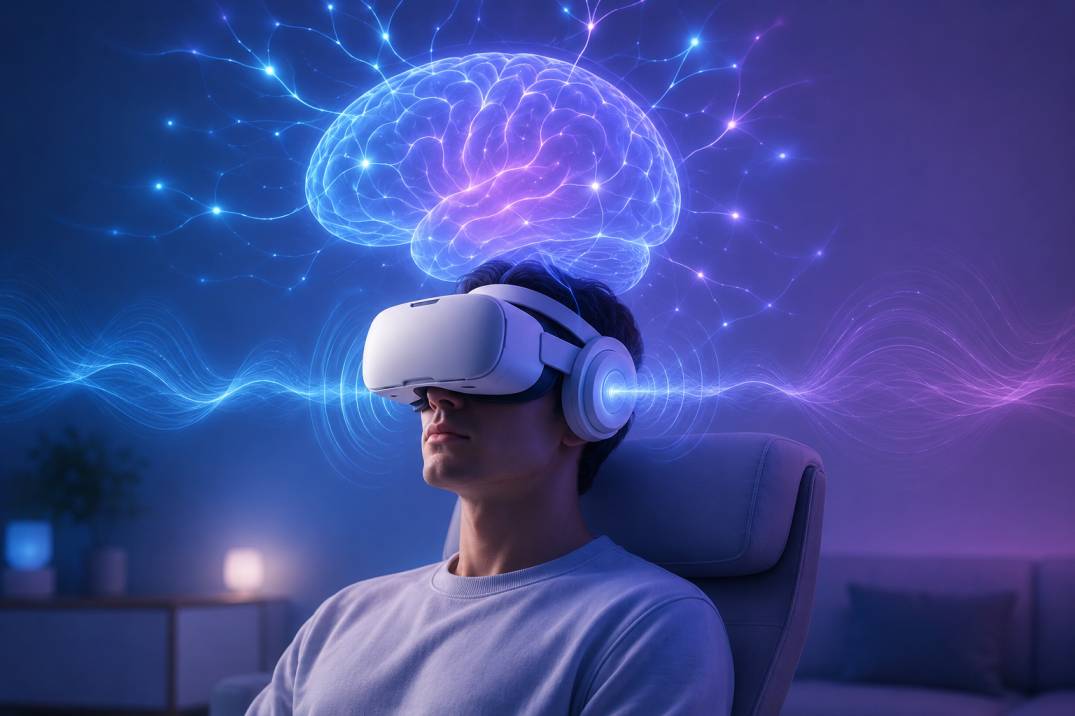
The moment you strap on a VR headset, your brain lights up. Unlike scrolling on a phone or watching TV, VR places you inside the experience, forcing your brain to process visual, auditory, and spatial data simultaneously.
Now, here’s where things get really cool.
When you hear sounds that match your movement, like footsteps behind you or a voice echoing to your right, your brain starts building a realistic mental map of your surroundings. That’s called spatial audio, and it activates multiple parts of the brain at the same time:
- Auditory cortex for sound processing
- The occipital lobe for visual input
- The cerebellum is for balance and motion coordination
This leads to heightened alertness, better memory, and faster problem-solving. In fact, studies show that VR users can retain up to 80% more information when spatial audio is used compared to flat visuals alone.
There’s a reason corporate training programs have started leaning on this. A widely cited PwC study on VR-based soft-skills training found that employees trained in VR learned the material faster and felt noticeably more emotionally connected to the content than those trained through traditional e-learning or in a classroom. The audio layer is doing more work here than most people realize. Silence in a headset feels wrong to your brain, almost like watching a film with the sound cut out. The moment realistic audio enters the picture, your neural pathways treat the scene as credible, and credible scenes get remembered.
Think of it this way: Your brain goes from watching a movie… to starring in one.
2. VR Reduces Stress and Anxiety
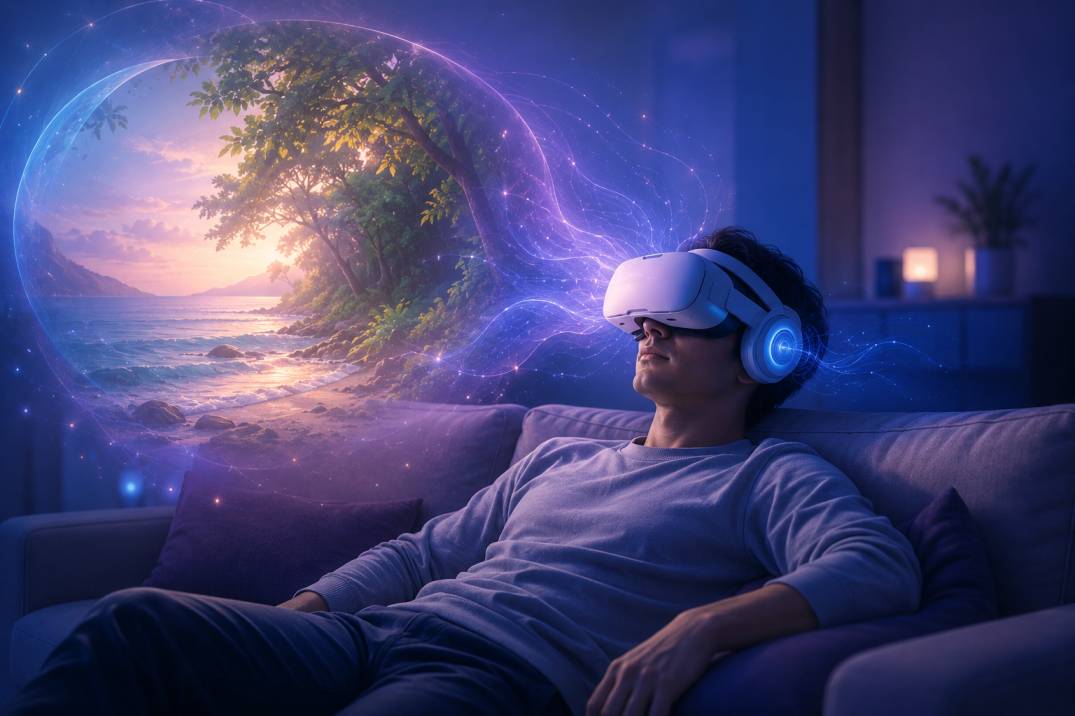
You don’t need a real beach to relax, just the right headset.
Stress is a part of modern life. Whether it’s work, noise, or endless notifications, our minds rarely get a break.
But here’s the surprise: a 10-minute VR session with calming visuals and immersive natural sounds can work wonders.
Here’s what helps reduce stress in VR:
- Ocean waves crashing gently
- Rainfall in a lush forest
- Guided meditation with soft background music
These audio elements sound pretty and lower cortisol levels (the stress hormone), slow heart rate, and calm the nervous system.
Therapists now use VR as a non-drug method to manage:
- Generalised Anxiety Disorder (GAD)
- Social anxiety
- PTSD and trauma flashbacks
Why does it work? Because your brain reacts to audio-spatial cues as if they’re real. Even if your body knows you’re in your room, your mind believes you’re somewhere peaceful.
Clinics that offer VR-assisted relaxation sessions typically pair the headset with bone-conduction or open-ear headphones rather than sealed, noise-cancelling ones. That might sound backward, but there’s a reason for it: fully isolating a patient from the room can occasionally spike anxiety in people who already feel disconnected from reality during a panic episode. Letting a sliver of real-world sound through, footsteps, a fan, a voice, keeps one foot grounded while the other explores the calming environment.
“It’s like giving your brain a mini vacation without leaving your house.”
3. VR Enhances Fitness and Movement
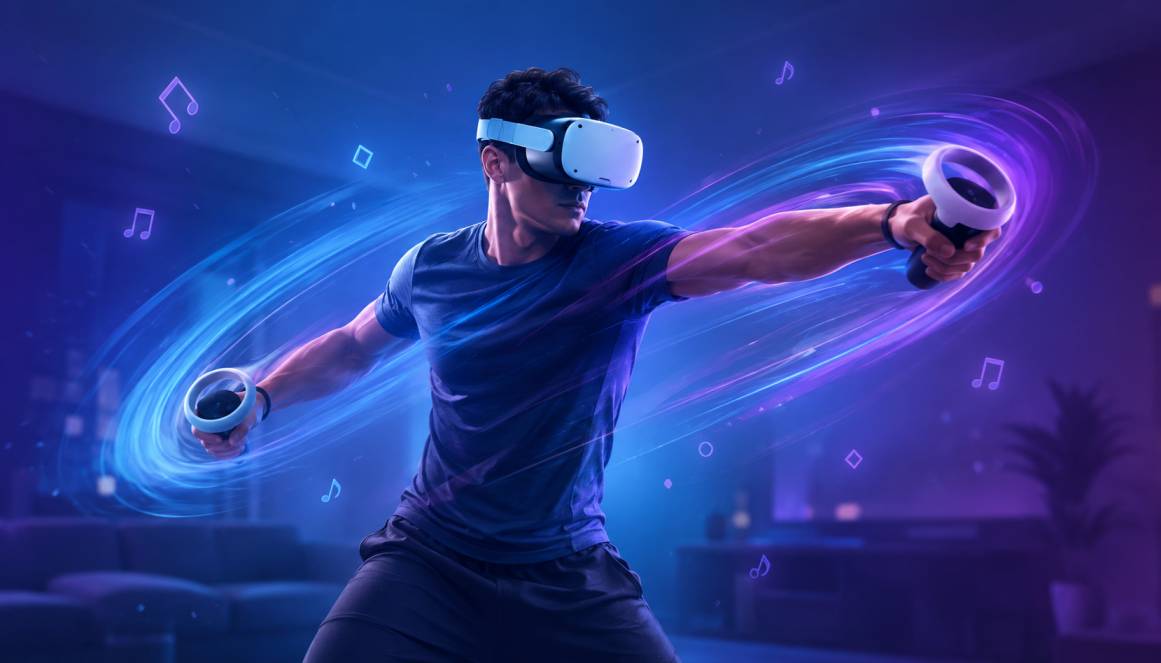
When sound drives motion, your workout turns into a dance.
Traditional exercise can feel dull and repetitive. But VR turns fitness into an adventure, all thanks to sound.
In games like Beat Saber, you slash colored blocks to the rhythm of music. In boxing-style workouts like Thrill of the Fight, you duck and jab to realistic crowd cheers and punches whooshing by. The audio isn’t just decoration; it’s your guide, trainer, and motivator.
Here’s how audio science supports VR fitness:
- Tempo influences speed and intensity
- Bass-heavy music increases adrenaline and effort
- Spatial cues help with balance and form
- Voice prompts keep you focused and engaged
Plus, VR’s immersive nature distracts your brain from fatigue. You end up exercising longer, burning more calories, and feeling more satisfied.
Surprising stat: A 30-minute VR workout can burn 250 to 400 calories, similar to traditional cardio like running or cycling.
The audio quality of your headset makes a bigger difference here than most people expect. Built-in speakers on a standalone headset are fine for casual sessions, but once you start sweating through a 45-minute boxing session, a lot of that directional detail (the whoosh of a punch passing your ear, a trainer calling out from your left) gets muddied by open-air speakers competing with your own breathing and room echo. That’s one of the main reasons fitness-focused VR users end up shopping for sweat-resistant, open-ear headphone attachments instead of relying on the headset’s stock audio, the same earbuds vs. headphones tradeoff that comes up in any gym setting.
And yes, it’s way more fun.
4. VR Supports Pain Relief

Pain is in the brain, and VR can tune it out.
Believe it or not, VR has been used in hospitals to reduce pain for patients undergoing harsh treatments.
But how? It’s all about distraction + immersive audio.
When someone is engaged in a VR environment with soothing sounds, their brain focuses on:
- Ocean waves lapping at your feet
- Birds chirping in a forest canopy
- A peaceful voice guiding a breathing exercise
These audio cues override pain signals, reducing how much discomfort the brain registers.
Doctors and researchers now use VR for:
- Burn injury treatments
- Physical therapy
- Dental procedures
- Labour pain management
The key element is high-quality sound. Without realistic, directional audio, the illusion of the virtual world breaks, and the pain returns.
This is actually one of the more well-documented uses of VR in medicine. Burn units, in particular, have leaned on distraction-based VR since long before consumer headsets got good. Early research out of the University of Washington’s HIT Lab used a snow-themed VR world called SnowWorld specifically because cold, icy audio and visuals counteract the brain’s association between heat and pain during wound care. The lesson for hospitals adopting newer consumer-grade headsets is the same one that applies to home users: cheap, tinny audio breaks the illusion fast, and a broken illusion means the pain comes right back.
“In one study, patients using VR during wound care reported up to 50% less pain.”
It’s not magic, it’s neuroscience.
5. VR Builds Empathy
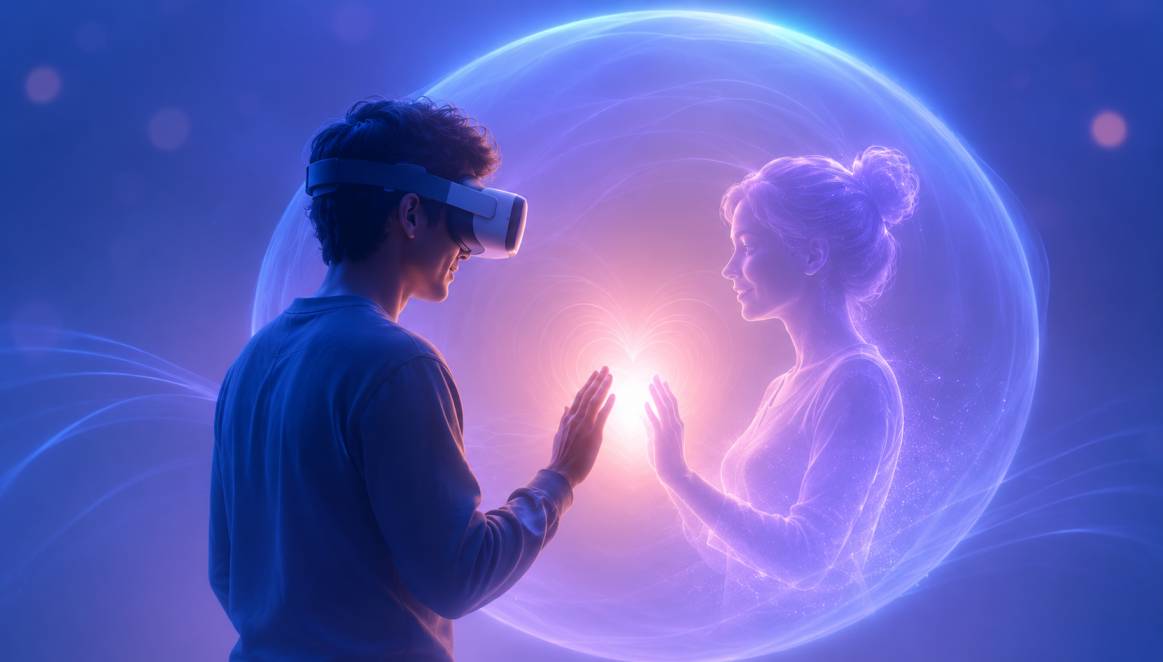
You don’t just see someone’s story, you feel it.
One of the most beautiful benefits of VR is how it creates empathy.
Imagine stepping into the life of a child in a war zone. You don’t just see rubble, you hear distant gunfire, a mother crying, footsteps running. Or maybe you’re placed in a refugee’s shoes, hearing panic at a crowded border crossing.
These audio layers are powerful. They immerse you emotionally, making your brain feel the weight of someone else’s experience.
Researchers call this “embodied empathy.” VR lets you:
- Hear the fear in someone’s voice
- Notice small sounds others ignore
- Absorb emotion through ambience
This is especially useful in:
- Social justice education
- Cultural awareness training
- Conflict resolution exercises
Documentary filmmakers have picked up on this too. Projects like “Clouds Over Sidra,” which places viewers inside a Syrian refugee camp, rely almost entirely on ambient audio (the hum of a generator, kids playing nearby, wind against a tent) to build emotional weight, since the visuals alone are relatively static. Take the audio out of that experience and you’re left with a slideshow. Leave it in, and people report the kind of lasting emotional impact you’d normally only get from being somewhere in person.
In short: VR doesn’t just make you understand a story, it makes you care.
“When sound surrounds you, emotion follows.”
6. VR Improves Learning & Education
When learning feels real, it sticks longer.
Let’s face it, most traditional learning methods are boring. You read a textbook or watch a slide presentation, and your brain zones out.
But VR changes everything.
Instead of just reading about the moon landing, you can stand on the moon, surrounded by stars, and hear the echo of your breath in a helmet.
Here’s why VR + sound = powerful learning:
- Narrated voice-overs help explain complex concepts clearly.
- Ambient sounds (like machine hums or crowd noise) make environments feel authentic.
- Interactive audio prompts keep learners alert and engaged.
Studies show that VR learners retain up to 80% more information than those using traditional methods. That’s primarily due to multi-sensory learning, especially sound.
Imagine learning biology inside a cell, hearing the throb of mitochondria and liquid swirl. Or exploring ancient Rome while voices whisper in Latin and crowds cheer in the distance.
Medical schools have started using this same principle for surgical training. A student practicing a procedure in VR hears the specific pitch change of a monitor alarm or the murmur of an operating room team, details that build muscle memory for real pressure situations long before they ever touch a patient. Language learning apps lean on it too, since hearing a native speaker’s voice arrive from the correct direction in a simulated cafe or market does more for listening comprehension than a flat audio track ever could.
With sound, students don’t just learn facts, they experience them.
7. VR Encourages Social Interaction
Virtual conversations feel surprisingly human.
People often assume VR is isolating. But it’s actually becoming one of the most interactive digital spaces.
Thanks to spatial audio, conversations in VR feel natural:
- If someone is standing behind you, their voice sounds behind you.
- If a friend walks away while talking, their voice gets quieter.
- You hear directional sound from each person’s spot in a group chat.
This makes platforms like VRChat, Rec Room, and Meta Horizon Worlds feel like real meetups.
Why does this matter?
- People with social anxiety can practice speaking in safe, low-pressure environments.
- Friends separated by distance can hang out virtually and feel connected.
- Language learners can talk with native speakers in immersive environments.
The technical term for what makes this work is HRTF, short for head-related transfer function. It’s a model of how sound waves interact with the shape of your head, ears, and shoulders before reaching your eardrums. Good VR platforms process voice chat through an HRTF model so a friend’s voice genuinely seems to come from three feet to your left instead of just playing evenly in both ears. Cheaper implementations skip this step, which is a big part of why some social VR spaces feel flat and others feel like you’re standing in a real room with people.
It’s not about pixels, it’s about presence.
“With VR audio, you don’t feel like you’re talking to an avatar, you feel like you’re talking to a person.”
8. VR Sharpens Hearing Skills
Your ears become more active and more accurate.
In real life, your brain processes sound directionally. If someone calls your name from the left, you instinctively turn. VR recreates that effect, and by doing so, it helps you become a better listener.
Musicians, audiophiles, and even people with partial hearing loss use VR for ear training.
Here’s how:
- You learn to pinpoint sound sources in space.
- You train your brain to focus on key sounds in noisy environments.
- You practice filtering out irrelevant noise, which improves listening accuracy.
For example:
- A music producer can walk around a virtual studio and hear how instruments blend.
- A language learner can isolate syllables and tones more easily through voice focus.
Even VR shooters and survival games sharpen your hearing, footsteps behind you or the snap of a twig become survival tools.
Audiology clinics have started experimenting with this too. A handful of hearing rehabilitation programs now use VR sound-localization exercises to help cochlear implant patients relearn how to judge where a sound is coming from, since implants process directional cues differently than natural hearing does. It’s early, but it’s a genuine extension of the same principle that makes VR games feel more immersive: your brain treats a well-rendered 3D soundscape as real practice, not a simulation.
The result? Your ears get smarter.
9. VR Makes You More Creative
When your senses are immersed, your imagination explodes.
Creativity needs freedom. It needs a space where ideas float around and inspiration strikes.
That’s precisely what VR provides.
Artists, designers, and writers use VR apps like Tilt Brush, Gravity Sketch, and SoundStage to create in ways they can’t on paper or screen. And guess what powers their ideas?
Audio cues.
Here’s how immersive sound sparks creativity:
- Background music sets the mood, calm, suspenseful, and energetic.
- Environmental audio helps visualise scenes (like rain on a metal roof or wind through a canyon).
- Interactive instruments let musicians build soundscapes with spatial tools.
Want to write a fantasy novel? Step into a castle with crackling torches and echoing footsteps. Need to design a product? Use sound to test how it might operate in real life.
Composers have taken this particularly far. Apps like SoundStage let musicians physically reach out and grab a synthesizer, a drum machine, or a mixing console floating in 3D space, arranging entire tracks by ear and by hand instead of clicking through a flat interface. Several independent film composers have talked publicly about scoring scenes inside VR specifically so they can judge how music will actually surround an audience, rather than guessing from stereo speakers in a studio.
“In VR, you’re not just imagining things you’re living them. And that’s when the best ideas show up.”
10. VR Creates Safer Training Environments
Mistakes in VR don’t cost lives, but they teach real lessons.
Training is serious in aviation, firefighting, surgery, and the military. One wrong move in real life could be deadly.
That’s where VR training simulations come in. And sound is a critical part of their success.
Let’s say you’re training firefighters:
- You hear flames crackling above you.
- A teammate shouts instructions from the side.
- A child cries faintly from the back of the building.
These spatial audio details help make fast, accurate decisions.
Here are the key reasons sound matters in VR training:
- Direction = reaction: You know where danger is coming from.
- Volume = urgency: Louder sounds indicate higher risk.
- Tone = clarity: Different audio cues mean different actions.
This kind of training:
- Builds reflexes
- Improves memory under pressure
- Creates confidence in high-risk situations
And all this happens without anyone actually getting hurt.
Aviation has quietly been doing a version of this for decades through flight simulators, but the audio fidelity in modern consumer-grade VR headsets has closed the gap between a million-dollar simulator rig and a headset you can buy for a few hundred dollars. Military and first-responder training programs now build entire scenarios around layered soundscapes, radio chatter cutting in and out, ambient noise that masks a warning, an instructor’s voice arriving from a specific direction, because the goal isn’t just visual recognition. It’s teaching the brain to react correctly under sensory overload, and sound is the fastest way to create that overload safely.
“When the sound feels real, your brain treats the situation like it’s real, and that’s where real learning begins.”
VR Headset Audio Accessories Worth Owning
Before we get into the deeper technical side of VR audio, here’s the practical part: if everything above has you thinking about upgrading your own setup, the fastest win usually isn’t a new headset at all, it’s better audio hardware attached to the one you already own. Here are the categories worth looking at, along with specific picks worth checking out.
Open-back headphones for immersive fidelity
If you’re using your headset mostly for seated experiences (sim racing, story-driven games, VR concerts, meditation apps), a dedicated pair of open-back headphones plugged into the 3.5mm jack will outperform any built-in speaker. The open-back design keeps the wide, airy soundstage that makes spatial audio convincing, rather than the closed-in feeling you get from sealed gaming headsets, a difference that shows up clearly in any open-back vs. closed-back comparison.
 | Our Pick Sennheiser HD 560S Open-Back Headphones A wide, neutral soundstage that consistently gets recommended for positional audio and gaming, easy to drive without an amp, and a detachable cable with a 3.5mm adapter that plugs straight into most headsets. |
As an Amazon Associate, we earn from qualifying purchases at no extra cost to you.
Sweat-resistant open-ear headphones for VR fitness
For anything active, Beat Saber sessions, boxing workouts, dance games, you want the opposite of a sealed headphone. Open-ear or bone-conduction designs sit outside the ear canal entirely, so they won’t trap sweat or slip loose mid-workout, and they let you stay aware of your real-world surroundings, which matters when you’re swinging your arms around a living room. If you’re comparing the two styles, it’s worth reading up on whether bone-conduction headphones are actually safer than earbuds for your specific hearing needs.
 | Our Pick Shokz OpenRun Bone Conduction Headphones Sits outside the ear entirely so sweat and headset straps aren’t a problem, IP67 sweat and weather resistant, roughly 8 hours of playtime, and stays paired over Bluetooth so there’s no cable to fight with mid-workout. |
As an Amazon Associate, we earn from qualifying purchases at no extra cost to you.
Headset audio straps
Several third-party replacement straps for Quest 3 and 3S build small speakers directly into the strap itself, giving you a middle ground between the stock open-air speakers and a full headphone setup, without adding weight to the front of the headset. These are worth it if you find yourself constantly reaching for the volume dial in noisy rooms.
 | Audio Head Strap for Meta Quest 3/3S Built-in speakers closer to your ears than the stock strap, without the sweat and heat of a full headphone. |
Low-latency VR gaming earbuds
If you don’t want anything on top of your head at all, a set of purpose-built VR earbuds with a short cable run and low-latency wired connection avoids the audio sync issues that Bluetooth earbuds can introduce during fast-paced games. Several brands now make earbuds specifically marketed for compatibility with Quest and PSVR2, and the underlying question is really the same one people ask about using music headphones for gaming in general.
 | Low-Latency Gaming Earbuds for VR A wired, low-latency connection avoids the lag that can make spatial audio feel slightly out of sync during fast gameplay. |
Putting together a setup by budget
Not everyone needs every accessory above. Here’s a rough way to think about it depending on how much you want to spend on top of the headset itself.
- Budget (stock audio): If you’re just getting started, use the headset’s built-in speakers or 3.5mm jack with headphones you already own. This costs nothing extra and is perfectly fine for casual gaming and short sessions.
- Mid-range (one dedicated accessory): Pick a single upgrade based on your primary use case, the Sennheiser HD 560S above for seated story games, the Shokz OpenRun for fitness apps, or an audio strap if you mainly want convenience without adding a separate device to manage.
- Premium (full setup): Serious VR users often end up owning two audio solutions, a comfort strap or audio strap for everyday casual sessions, and a dedicated pair of open-back headphones for anything narrative-heavy or music-focused where fidelity really counts.
Whatever tier you land on, the biggest jump in perceived audio quality usually comes from that first upgrade away from stock built-in speakers, everything after that is smaller, more incremental improvement.
How VR Headset Audio Technology Actually Works
The tech behind the illusion, explained simply.
By now it should be clear that sound isn’t a side feature of VR, it’s half the experience. So how does a headset actually turn a flat audio file into something that seems to move around your head in 3D space?
It comes down to a handful of layered technologies working together:
- Spatial audio (3D audio): This is the umbrella term for sound that changes based on where you’re looking or moving. Turn your head, and a sound source that was in front of you now sounds like it’s behind you.
- HRTF (head-related transfer function): A mathematical model of how your specific ears, head shape, and shoulders filter sound before it reaches your eardrums. Good HRTF processing is what makes a voice feel like it’s actually three feet to your left instead of just quieter in one ear.
- Ambisonics: A recording and playback method that captures a full sphere of sound (above, below, front, back) rather than just left and right. Most high-end VR content is mixed in ambisonics before being rendered for your specific head position.
- Binaural rendering: The final step that takes all of the above and outputs it as two channels your ears can actually use, timed and filtered so precisely that your brain reconstructs a 3D scene from what is technically just stereo audio.
Here’s the part most buying guides skip: the headset’s built-in speakers matter a lot less than the software doing the rendering. A cheap pair of headphones fed properly rendered spatial audio will usually beat expensive built-in speakers fed a poorly rendered mix. That’s why two headsets with nearly identical hardware specs can feel completely different in how “real” the sound feels, the difference is in the audio engine, not just whether the audio driver affects sound quality.
That said, hardware still matters for one specific reason: latency. If there’s even a small delay between you turning your head and the audio field rotating to match, your brain notices immediately and the illusion breaks. This is why standalone headsets process spatial audio on-device rather than streaming it from a phone or PC, cutting that delay down to a few milliseconds.
Most current headsets fall into one of three audio setups:
- Open-air built-in speakers near the ears (Meta Quest 3 and 3S use this approach), which keep you aware of your surroundings but leak sound to anyone nearby
- Sealed, over-ear built-in headphones (like PlayStation VR2’s design), which offer better isolation and bass at the cost of losing awareness of your real room
- A 3.5mm jack or Bluetooth pairing that lets you plug in your own headphones for the best possible fidelity
None of these is objectively “best,” it depends on whether you’re gaming solo late at night, working out where sweat resistance matters, or want the absolute highest audio fidelity for something like a VR concert or meditation app.
One more detail worth understanding: sample rate and bit depth still apply in VR the same way they do in music production. A game mixed at 48kHz with properly spatialized ambisonic tracks will sound noticeably more precise than one that simply pans a stereo file left and right based on head position, which is a shortcut some lower-budget VR titles still take. You can usually tell within the first thirty seconds of a scene, sounds that are supposed to be behind you will feel like they’re just quieter versions of the same sound in front of you, rather than genuinely originating from a different point in space. That flatness is a software problem, not a headset problem, and no amount of expensive hardware will fix a poorly mixed application.
It’s also worth knowing that most modern headsets handle head tracking for audio using the same inside-out cameras and IMU sensors that track your hands and room. That’s why the audio field rotates so smoothly as you turn your head, the system already knows your exact head position at all times for visual rendering, and it reuses that same data to keep the sound field locked in place. This is a big part of why standalone headsets released in just the last two or three years feel so much more convincing than older tethered headsets that relied on external sensors with more tracking lag.
Best VR Headsets Ranked by Audio Quality (2026)
If sound quality is a priority for you, and after everything above it should be, here’s how the three most popular consumer VR headsets stack up in 2026. Pricing reflects Meta’s April 2026 price adjustment and Sony’s current MSRP.
| Headset | Audio Setup | Price (2026) | Best For |
|---|---|---|---|
| Meta Quest 3 (512GB) | Open-air built-in speakers, 3.5mm jack, Bluetooth | $599.99 | Best all-around standalone audio flexibility |
| Meta Quest 3S (128GB / 256GB) | Open-air built-in speakers, 3.5mm jack | $349.99 / $449.99 | Budget-friendly entry point with the same audio engine as Quest 3 |
| PlayStation VR2 | Built-in headphone-style earcups with 3D Audio (Tempest engine) | $399.99 (frequently discounted to ~$299) | Best out-of-the-box sound isolation and bass for PS5 owners |
A quick honest note here: Valve’s long-running Index headset, which used to show up on every “best VR audio” list thanks to its integrated near-field headphones, was officially discontinued in late 2025. Valve is no longer manufacturing it, and its wireless successor, the Steam Frame, is still rolling out through 2026. If PC VR with premium audio is your goal and you don’t mind waiting on availability, it’s worth watching, but it’s not a same-day purchase the way the three headsets above are.
Meta Quest 3 (512GB)
The most balanced choice if you want strong spatial audio, mixed reality passthrough, and the largest game library, without being tied to a console.
Meta Quest 3S (128GB)
Same audio engine as the Quest 3 at a lower entry price, a smart pick if you’re VR-curious and don’t need the sharper optics.
PlayStation VR2
The best out-of-the-box audio isolation of the three, with Sony’s Tempest 3D AudioTech engine, ideal if you already own a PS5.
Audio isn’t the only spec that affects how immersive a headset feels, display quality and field of view play a big role too, and they interact with sound more than you’d expect. A wider field of view combined with wide, spatially accurate audio is what actually convinces your brain you’re “inside” a scene rather than watching it through a window. Here’s how the three headsets compare on the specs that matter most for overall immersion.
| Spec | Meta Quest 3 | Meta Quest 3S | PlayStation VR2 |
|---|---|---|---|
| Display | 2064 x 2208 per eye, pancake lenses | 1832 x 1920 per eye, Fresnel lenses | 2000 x 2040 per eye, OLED |
| Refresh rate | Up to 120Hz | Up to 120Hz | 90Hz or 120Hz |
| Processor | Snapdragon XR2 Gen 2 | Snapdragon XR2 Gen 2 | Powered by PS5 (tethered) |
| Weight | 515 g | 514 g | ~560 g |
| Connection type | Standalone, wireless | Standalone, wireless | Wired to PS5 |
| Storage | 512GB | 128GB or 256GB | Uses PS5 storage |
The takeaway: if you want a fully wireless setup you can use anywhere in the house, the Quest 3 or 3S is the obvious choice. If you already own a PS5 and want the single best out-of-the-box visual and audio fidelity for narrative games, PS VR2’s OLED panel and sealed 3D Audio earcups are hard to beat, you’re just tethered to your console while using it.
VR Headset Buying Guide: What Actually Matters
If you’re still weighing whether VR headsets are worth it at all, or you’re upgrading from an older one, it helps to know which specs genuinely change your day-to-day experience and which ones are mostly marketing noise. Here’s what to actually pay attention to.
Field of view and lens type
Field of view (FOV) determines how much of your peripheral vision the virtual world fills. Most current consumer headsets sit somewhere between 96 and 110 degrees, which sounds like a small range but makes a noticeable difference in how “surrounded” you feel. Pancake lenses, used in the Quest 3, are thinner and produce sharper edge-to-edge clarity than the older Fresnel lenses still found in budget headsets like the Quest 3S, though Fresnel lenses keep the price down without sacrificing much in the center of your view, which is where your eyes spend most of their time anyway.
Standalone vs. tethered
Standalone headsets like the Quest line run everything on their own internal processor, no phone, PC, or console required. That means more freedom to use VR anywhere in your house, but less raw graphical horsepower than a headset tethered to a gaming PC or console. PS VR2 splits the difference: it’s tethered to a PS5, so it borrows that console’s processing power for sharper visuals, at the cost of being limited to wherever your console and TV are set up.
Battery life and comfort
Standalone headsets typically run 2 to 3 hours on a single charge, which is plenty for most sessions but worth knowing before you plan a longer VR movie night. Comfort matters just as much as battery life, if the stock strap presses uncomfortably on your forehead after twenty minutes, you’ll cut sessions short regardless of how good the audio and visuals are. Most serious VR users end up buying a third-party comfort strap within the first month of ownership.
Storage
VR games and apps run larger than you’d expect, some titles exceed 10GB, so the 128GB base storage option on the Quest 3S fills up faster than you’d think if you’re downloading more than a handful of games. If you plan to build out a real library, spending the extra money for 256GB or more will save you from constantly uninstalling and redownloading titles later.
Audio, again
Given everything covered in this article, it should come as no surprise that audio deserves the same attention as display specs. Ask whether the headset uses open-air speakers, sealed earcups, or requires your own headphones, and factor the cost of a good pair of headphones into your total budget if the built-in audio isn’t going to cut it for how you plan to use the headset.
Who Benefits Most From VR
Everything above is true in general, but VR earns its keep in slightly different ways depending on who’s wearing the headset. Here’s a closer look by use case.
Remote workers and students
Virtual meeting spaces and study environments with spatial audio reduce the “Zoom fatigue” that comes from flat, overlapping voices on a video call. Hearing colleagues from distinct directions, the way you would around a real conference table, makes group conversations easier to follow and cuts down on the mental effort of figuring out who’s speaking. Some companies piloting VR meeting rooms have reported that longer sessions feel less draining specifically because the audio mimics a real room instead of a flat conference call feed.
People managing anxiety or stress
Guided relaxation and exposure-therapy apps use calming soundscapes to lower physiological stress markers in short sessions, often more effectively than audio alone because the visual and audio layers reinforce each other. Therapists using VR-assisted exposure therapy for phobias also rely heavily on carefully controlled soundscapes, since introducing a feared stimulus gradually (the distant bark of a dog, for example, before the dog itself ever appears) gives patients more control over the pace of exposure than real-world therapy usually allows.
Fitness beginners
Rhythm-based and boxing-style VR games turn exercise into something that doesn’t feel like exercise, which matters most for people who’ve struggled to stick with a traditional gym routine. Because the audio and visuals are tightly synced to your movement, your brain registers the workout as play rather than effort, which is a big part of why VR fitness apps report unusually high return rates compared to typical home workout programs.
Older adults
Several assisted-living facilities have piloted VR programs that use nostalgic soundscapes (old radio broadcasts, familiar city sounds, nature) paired with visuals to support memory recall in dementia and Alzheimer’s care. Family members have reported moments of clarity and conversation during these sessions that hadn’t happened in months, likely because a familiar sound, more than a familiar image, can trigger a specific memory almost instantly.
Chronic pain patients
As covered earlier, VR distraction therapy has a genuine clinical track record, particularly for burn care and short, painful procedures. Patients undergoing wound care or physical therapy for chronic conditions have used VR as a non-drug supplement to pain management, and hospitals have found it especially useful for pediatric patients who respond poorly to the anxiety of repeated procedures.
Creative professionals
Musicians, sound designers, and visual artists get tools in VR that simply don’t exist on a flat screen: spatial mixing, 3D sculpting, and full-body scale reference. A sound designer can literally walk around a mix and hear how it changes from different positions in a virtual room, something that used to require an actual acoustically treated studio and a lot more time.
Gamers who play solo late at night
Directional audio cues in shooters and horror games genuinely change gameplay outcomes, not just atmosphere, since you can react to threats before you ever see them. This is also where a good pair of headphones pays off the most, a lot of competitive and horror-focused VR players consider spatial audio quality just as important as controller responsiveness.
What VR Audio Still Can’t Fix
None of this means VR audio is perfect, and it’s worth being upfront about the limits.
- Motion sickness isn’t an audio problem. Even flawless spatial audio can’t fully compensate for the visual-vestibular mismatch that causes VR sickness in some users. Good audio helps reduce the sense of disorientation slightly, but it won’t eliminate it.
- Built-in speakers leak sound. Open-air designs like the ones on Quest 3 and 3S are convenient, but anyone nearby will hear your game audio too, which matters if you’re using VR late at night in a shared home.
- Battery life takes a hit with add-ons. Bluetooth headphones and third-party audio straps with built-in speakers draw additional power, which can shorten an already modest 2 to 3 hour standalone battery life.
- Not every app mixes audio well. Spatial audio is only as good as the developer’s implementation. Some smaller VR titles still ship with flat, non-spatialized sound, which breaks the immersion no matter how good your hardware is.
- It’s not a replacement for real acoustic training. VR ear-training and hearing rehabilitation tools are promising, but they’re a supplement to, not a substitute for, professional audiology care.
Being honest about these limits actually makes the previous sections more credible, not less. VR audio is genuinely one of the more underrated pieces of technology in consumer electronics right now, but it works best when you go in with realistic expectations about what a headset and a good pair of headphones can and can’t do.
It’s also worth remembering that VR audio, like any audio technology, has a break-in period for your own expectations. The first few sessions with properly rendered spatial sound can feel almost disorienting because your brain isn’t used to a screen producing sound that behaves like the real world. Most people adjust within a handful of sessions, at which point flat, non-spatial audio in other media starts to feel noticeably less convincing by comparison. That adjustment period is normal, and it’s usually a sign the audio is working correctly rather than a sign something is wrong with your setup.
Common Mistakes People Make With VR Audio
After covering how much audio quality affects the VR experience, it’s worth flagging a few avoidable mistakes that quietly ruin immersion for a lot of new headset owners.
Leaving the volume too low
New users often keep the volume low out of habit, the same way they would on a phone in public. But spatial audio needs enough headroom to convey subtle differences in distance and direction. If everything is turned down too far, quiet background cues (the ones doing most of the work to make a scene feel real) simply disappear, and the experience starts to feel flatter than it should.
Using noise-cancelling headphones for everything
Active noise cancellation is great for blocking out a noisy office, but it can work against you in VR. Some noise-cancelling headphones apply their own audio processing on top of what the headset is already rendering, which can subtly interfere with the timing cues your brain uses to judge direction. For competitive games or anything where precise sound localization matters, a simpler, unprocessed pair of headphones (like the open-back pick above) will often outperform an expensive ANC pair, and it sidesteps the separate issue some people run into where noise-cancelling headphones cause nausea on their own, before VR motion is even factored in.
Skipping the audio calibration step
Several headsets and VR platforms offer a quick setup step that accounts for your headphone type or room acoustics. It takes less than a minute, but a lot of users click through it without realizing it actually changes how the spatial audio engine renders sound for your specific hardware. Skipping it isn’t a disaster, but running it properly noticeably sharpens directional accuracy.
Ignoring room-scale audio setup
If you’re using a headset’s built-in speakers rather than headphones, the acoustics of your actual room affect what you hear. A room full of hard surfaces (bare walls, tile floors, large windows) creates echo that can muddy directional cues, while a room with carpet, curtains, and furniture absorbs sound more naturally. This isn’t something most people think to control for, but it’s a free way to improve your audio experience without buying anything.
Assuming every app sounds the same
As mentioned earlier, not every VR app implements spatial audio equally well. If a specific game or experience sounds flat compared to others on the same headset, it’s very likely the app’s audio mix, not your hardware. Checking user reviews for mentions of “audio” or “sound design” before downloading a new title can save you the disappointment of assuming your headset is underperforming when the content itself is the issue.
Final Thoughts: VR’s Secret Weapon Is Sound
You might think the screen inside a VR headset is the show’s star. But audio is the unsung hero.
Without rich, immersive, and directional sound, VR falls flat.
It’s sound that makes you:
- Jump during a horror scene
- Tear up during an emotional story
- Move your body to the beat
- Calm your nerves during a guided meditation
Whether you’re using VR to escape, heal, grow, train, or connect, your ears do as much work as your eyes. If you’re shopping for a headset in 2026, don’t just compare resolution and field of view, ask how it handles sound, because that’s the part that decides whether the experience feels believable or just looks nice.
The VR market has matured a lot since the early headsets that treated audio as an afterthought bolted onto the side of a display. Between Meta’s spatial audio engine, Sony’s Tempest 3D AudioTech, and the growing third-party accessory market built specifically around VR audio, sound has become a genuine selling point rather than a footnote in the spec sheet. Whichever headset you land on, spend a little time getting the audio setup right before you judge the technology. Most people who say VR “didn’t do much for them” turn out to have been using stock, low-volume audio in a poorly mixed app, and that’s a very different experience from VR done properly.
FAQs
Q: Is audio really that important in VR?
Q: What is spatial audio?
Q: Can VR help with mental health?
Q: How does VR help with fitness?
Q: Are there VR headsets with great audio?
Q: Can I use VR without headphones?
Q: What are the benefits of VR headsets?
Q: Is VR good for you?
Q: What are the advantages of VR headsets over traditional screens?
Q: Why is VR so good for training and education?
Q: What can VR headsets be used for besides gaming?
Q: Is the Valve Index still worth buying in 2026?
Q: What headphones are best for VR?

James Dimento is a Chief-in-Editor of SoundUnify. He is a headphone enthusiast and creative writer passionate about audio technology. He has three years of experience writing about headphones and sound quality and is responsible for creating reviews and taking care of all administration.